 New
Space Waves Halloween
Use precise movement, read the next gap, and survive the most awkward spike patterns with this practical guide to Space Waves Halloween.
View GameSpace Arcade Racing
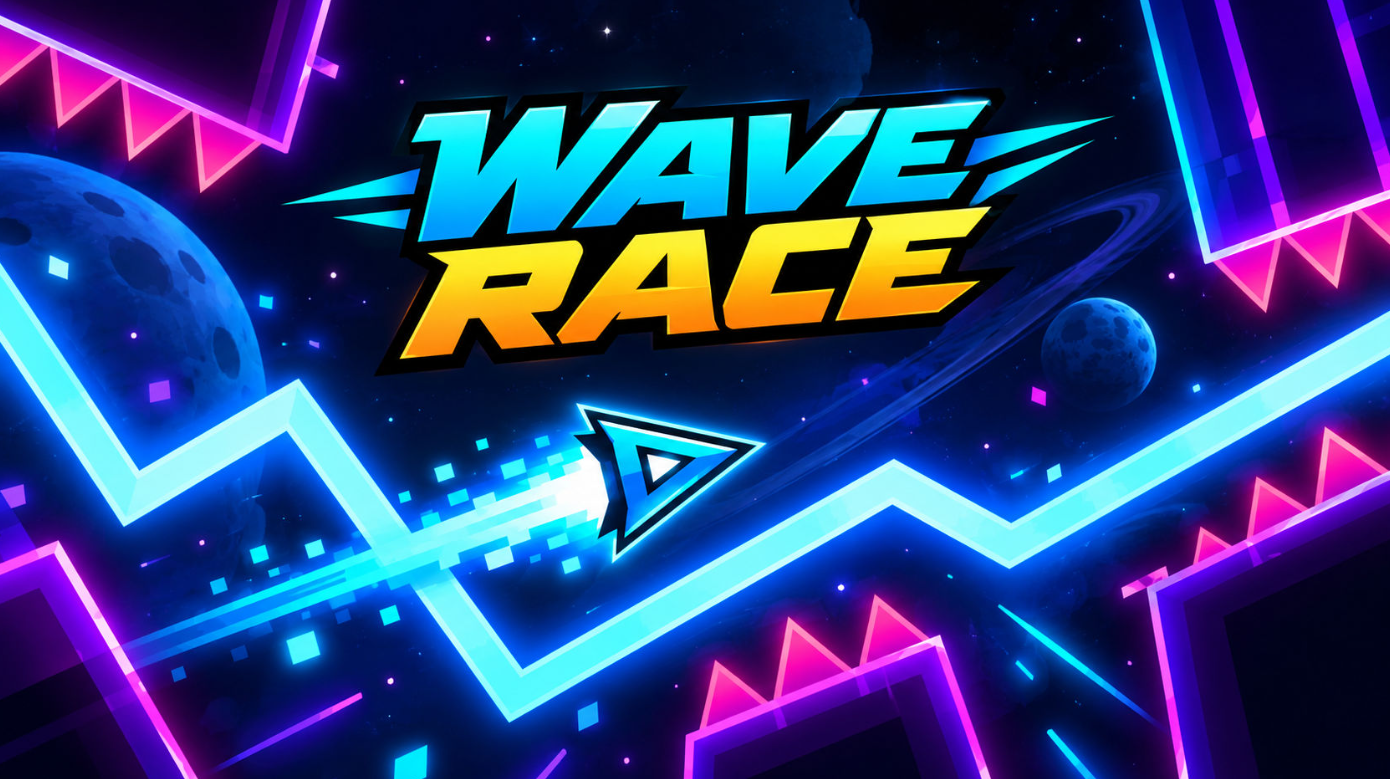
Wave Race Unblocked puts you in a fast side-scrolling run through space tunnels, where every wall, cog, and narrow gap tests your timing. Choose a level, guide the arrow with small movements, and keep your line clean until the finish.
No download or account stands between you and the next attempt. Jump in for a quick challenge, learn the course rhythm, and chase a better run whenever you are ready. 🚀
Play in Browser
Wave Race
Browse the latest games, open a card to play, and find a new challenge for your next quick session.
New
Use precise movement, read the next gap, and survive the most awkward spike patterns with this practical guide to Space Waves Halloween.
View Game New
Learn how the orphanage base, Defense Mode, Playground Mode, weapons, traps, and resource choices fit together in this practical Undead Invasion survival guide.
View Game New
Master the hold-and-release rhythm, collect coins without forcing risky turns, and use the Level Editor and Community Levels to get more from every Wave Dash run.
View GameWave Race is a browser arcade game about steering a small arrow through a shifting space tunnel. The objective is simple: stay inside the route, avoid the hazards, and reach the end of each stage without a crash. The clean rules make it easy to start, while tighter corners and rotating obstacles keep later attempts demanding.
The game offers 33 levels with a gradual difficulty climb. Early courses give you room to learn how the arrow responds; harder courses place walls, cogs, and narrow passages close together. Difficulty markers help you choose a comfortable starting point, then move up when your control feels steady. 🎯
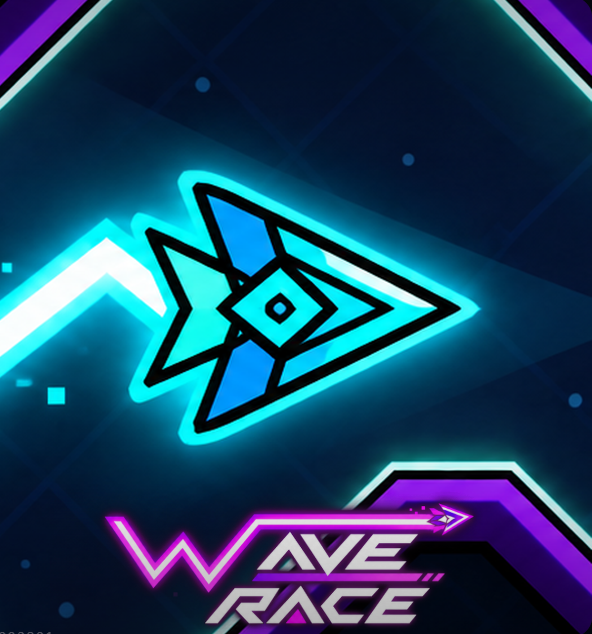
Wave Race focuses on quick decisions instead of a large rulebook. You can understand the goal in seconds, then spend the next few runs refining your timing and route choice.
If you enjoy short reflex games, continue with Wave Dash for another quick test of timing and movement.
Start with a level that leaves you enough room to observe the route. Move the arrow up or down with light inputs, watch the tunnel ahead, and make your next correction before the obstacle reaches you. The best first run is not always the fastest one; it is the run that teaches you where each turn begins.
The control scheme is intentionally light. You are guiding the arrow up and down, so steady pressure matters more than complicated combinations. Use whichever input gives you the smallest, clearest movement.
| Input | Use it for | Helpful habit |
|---|---|---|
| Mouse or trackpad | Direct movement | Guide with short, calm motions. |
| Keyboard | Up and down steering | Tap instead of overcorrecting. |
| Touch screen | Mobile play | Keep your finger clear of the next gap. |
Wave Race runs in a modern browser on desktop, laptop, tablet, and phone. A larger screen and a mouse can make narrow passages easier to read, while touch controls are useful when you want a quick mobile attempt. Keep your browser updated and use a stable connection for the smoothest session.
Because the game is browser-based, you do not need a special installation or a powerful gaming setup. If the tunnel feels crowded on a small screen, switch to landscape mode and lower your movement speed rather than rushing the next turn.
High scores come from clean runs, not wild movements. First learn how the course flows, then turn that knowledge into a consistent line through each section.
Once the controls feel natural, use a repeatable practice strategy. Run a difficult section several times, remember its sequence, and aim to remove one hesitation on every attempt. The goal is to make your best path feel familiar before you add speed.
For a different browser challenge after your space runs, try Space Waves Halloween and keep practicing those quick visual decisions.
Play this Wave Race game when you want an arcade challenge that starts quickly but still rewards practice. The controls are easy to understand, yet every narrow passage asks you to improve your timing, focus, and route reading. A short session can be a single level, while a longer session can become a personal mission to clear all 33 stages.
If you prefer a combat-focused challenge, visit Undead Invasion next. It changes the pace while keeping the same pick-up-and-play spirit.
Yes. You can start the browser game from this page without a download or paid entry step.
No. Use a current browser and a stable connection, then select Play Now to load the game when you are ready.
The course set contains 33 levels, moving from open beginner routes to tighter stages that demand more accurate steering.
Yes. Touch play works on modern mobile browsers, and landscape mode can make the tunnel easier to see on a smaller display.
Share your Wave Race tips